
Digital Wellbeing
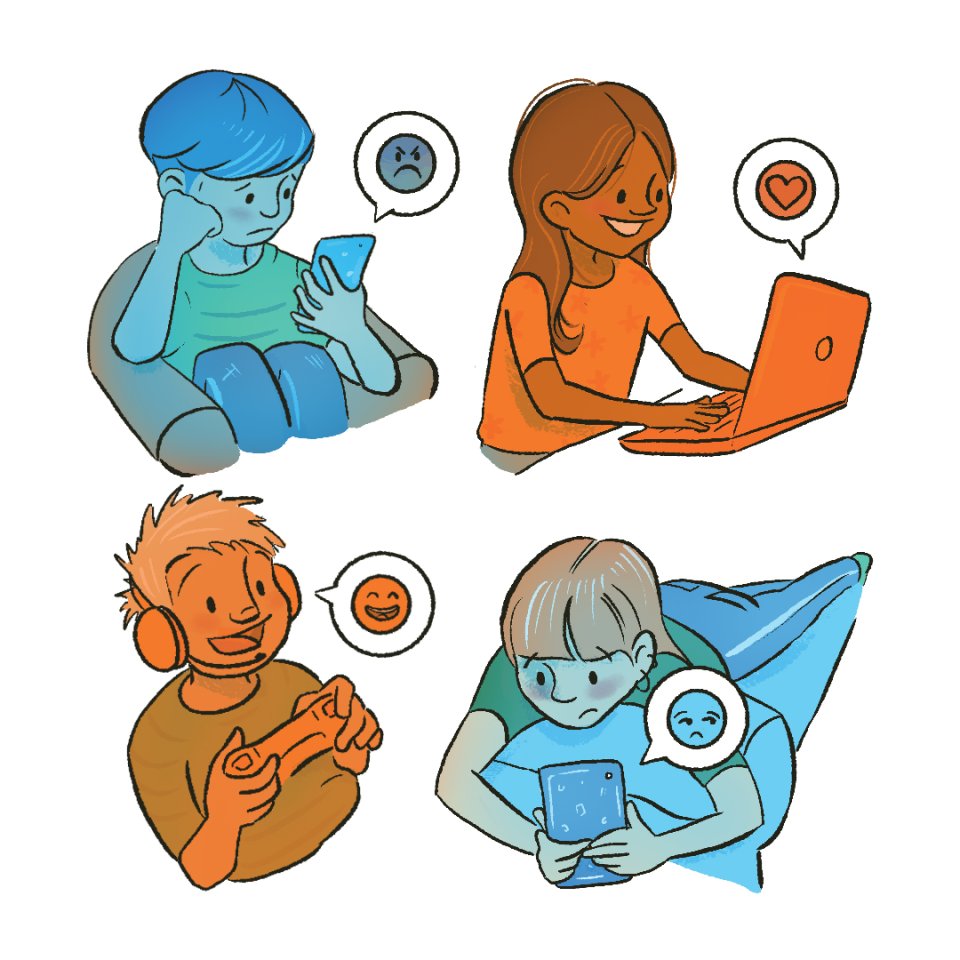
At Otterbourne C of E Primary School, we are deeply committed to promoting digital wellbeing for all our pupils. In an increasingly digital world, we understand the importance of equipping children with the knowledge and skills to navigate technology safely, responsibly, and confidently.
Our approach focuses on helping pupils develop healthy habits around screen time, fostering a balanced relationship with technology, and teaching them how to stay safe online. Through dedicated lessons, workshops, and regular discussions, we empower children to make informed choices, recognise potential risks, and understand the importance of kindness and respect in digital interactions.
We also work closely with parents and carers, providing guidance and resources to ensure digital wellbeing is supported both at school and at home. By embedding digital wellbeing into our school ethos, we aim to prepare our pupils to thrive in the digital age while maintaining their physical, emotional, and social health.
Children and Phone Safety - NSPCC
When is a child ready for a phone, and how can families manage the risks?
The guide offers balanced, practical advice on readiness, boundary-setting, parental controls, and ongoing conversations about safe and responsible use.
https://www.nspcc.org.uk/keeping-children-safe/online-safety/children-phones-online-safety/
Advice regarding controls for smart devices
In terms of appropriate controls, we would endorse having multiple layers in place as they all have different pros and cons. Not everything will be appropriate for everyone, but the principle of having more than one control in place is a good one. Some options are:
Parental control applications
- Google Family Link
- Microsoft Family Safety
- Norton Family
- NetNanny
- QuStudio
Device Level Controls - many devices have native parental controls that complement application level controls but are applied at a lower level. These typically allow restrictions to be put in place on screen use, content ratings etc. and should be applied to all apps. Guides to configuring device level controls these for many common devices can be found here: https://www.internetmatters.org/parental-controls/smartphones-and-other-devices/
Network level controls – Using a mobile network such as parent shield (https://parentshield.co.uk/) provides ability to monitor and manage your child’s use of their mobile phone via the network provider.
Physical controls – Ensure you are able to access your child’s phone and can visually check the apps that are installed, messages and emails, and use history. Do not allow, for example, a child to have their phone with them at night in their bedroom.
Procedural controls – Ensure that children understands what is and is not appropriate and why, and how to respond if inappropriate content is encountered.